
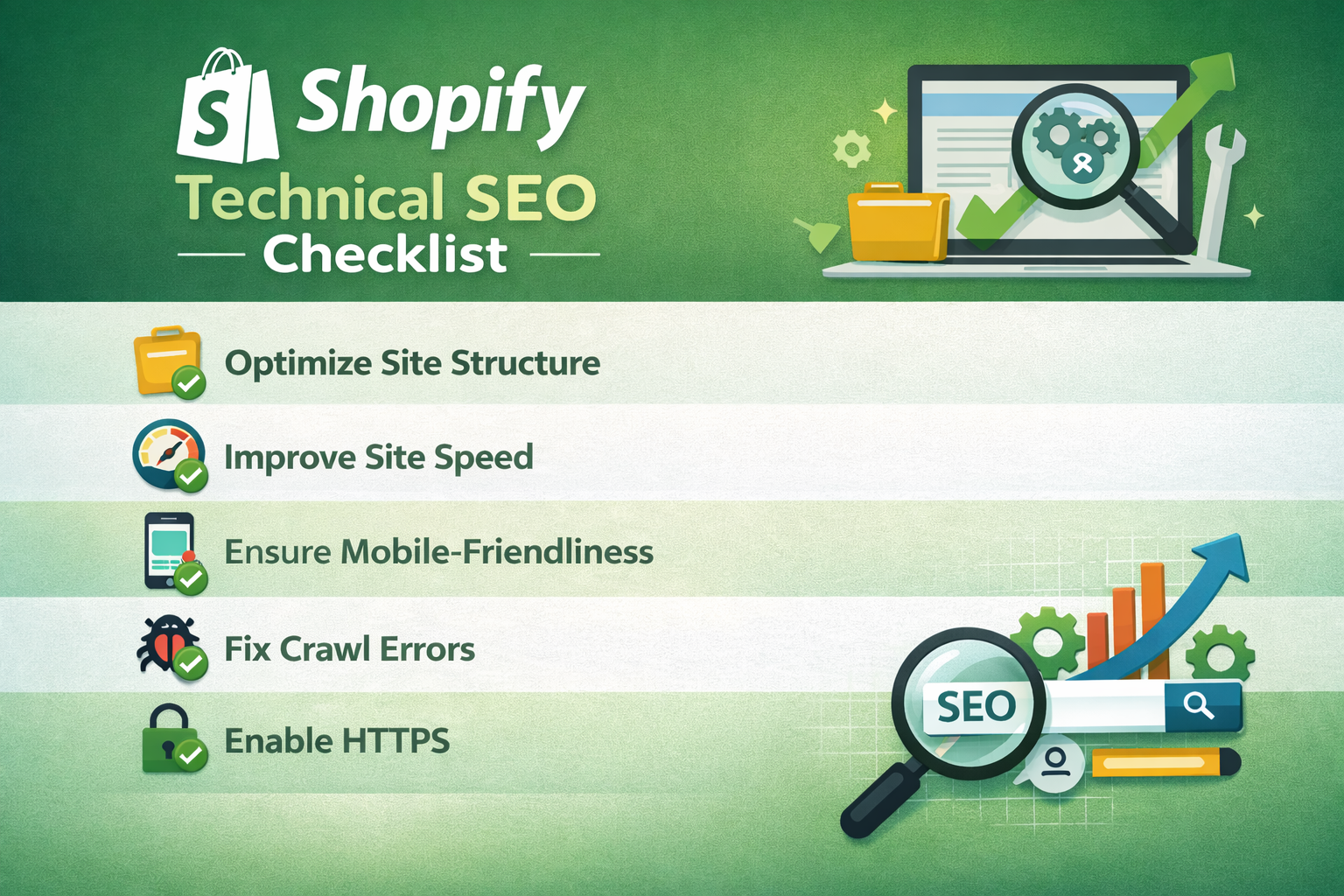
Your Shopify store may look flawless on the surface and yet fail to rank on Google’s first page — and the culprit is almost always technical SEO. Every Shopify store owner who takes organic traffic seriously needs a reliable Shopify technical SEO checklist that addresses the foundational issues Google’s crawlers evaluate before ranking any page. From duplicate content generated by Shopify’s default URL structure to bloated JavaScript that bogs down load times, technical SEO problems are invisible to the naked eye but devastatingly real in the search results. This comprehensive checklist walks you through every critical checkpoint so your store earns the rankings it deserves.
Why Technical SEO Is the Foundation of Shopify Store Growth
Content and backlinks get most of the attention in SEO conversations, but neither delivers full value without a technically sound website. Google must be able to crawl, render, and index your pages before ranking them. If any step in that process breaks down, even the best product descriptions and the strongest backlink profile will not save you.
Shopify is a powerful platform, but it ships with structural quirks that create technical SEO challenges out of the box. Understanding and resolving these issues gives your store a significant competitive edge — especially against merchants who never look under the hood.
1- Crawlability and Indexation
Before Google can rank your pages, it must find and read them. Crawlability issues are among the most common problems flagged in a Shopify technical SEO checklist.
Robots.txt and Sitemap Verification
- Verify your robots.txt file at yourdomain.com/robots.txt. Confirm that critical pages such as product pages, collection pages, and the homepage are not accidentally blocked.
- Submit your XML sitemap (yourdomain.com/sitemap.xml) to Google Search Console. Shopify auto-generates this file, but confirming it reflects your current store structure is essential.
- Review Search Console’s Coverage Report weekly for “Excluded” or “Crawled — currently not indexed” pages and investigate root causes promptly.
Noindex Tags and Canonical Settings
- Audit all noindex tags across your theme. Some Shopify themes incorrectly add noindex to paginated collection pages, cutting off substantial crawl coverage.
- Confirm that canonical tags on product pages point to the correct primary URL and not to collection-filtered variants, which is a well-documented Shopify duplicate content issue.
2- Site Speed and Core Web Vitals
Google officially uses Core Web Vitals as a ranking factor. Shopify stores that score poorly on Largest Contentful Paint (LCP), Cumulative Layout Shift (CLS), and Interaction to Next Paint (INP) face measurable ranking disadvantages.
Speed Optimization Actions
- Run your store through Google PageSpeed Insights and aim for a mobile score above 70. Focus first on mobile, as Google uses mobile-first indexing for all Shopify stores.
- Compress and convert all product images to WebP format. Oversized images are the single most common cause of poor LCP scores on Shopify stores.
- Audit installed Shopify apps and remove any that inject scripts into your storefront but are no longer actively used. Each unused app script adds unnecessary page weight.
- Enable lazy loading for below-the-fold images. Most modern Shopify themes support this natively, but verify that your theme implements it correctly.
- Minimize render-blocking JavaScript. Defer non-critical scripts so the browser can load visible page content first without waiting for third-party code to execute.
3- URL Structure and Duplicate Content
Shopify’s URL architecture creates duplicate content by default. Every product accessible through a collection generates two URLs: the canonical /products/ URL and a /collections/[name]/products/ URL. Left unresolved, this dilutes link equity and confuses search engines about which page to rank.
Duplicate Content Fixes
- Confirm that all collection-path product URLs carry a canonical tag pointing to the root /products/ URL. Shopify handles this automatically in most themes, but always verify after theme updates.
- Avoid creating multiple collection paths to the same product unnecessarily. The more collection paths a product appears in, the greater the duplication risk.
- Use clean, descriptive, keyword-rich URL slugs for all products, collections, and blog posts. Avoid auto-generated slugs that include random numbers or redundant words.
- Implement 301 redirects immediately whenever you change a product URL or remove a product page. Broken links to deleted products are a common source of crawl errors and lost link equity.
4- On-Page Technical Elements
Technical SEO extends beyond crawlability and speed. The structural elements on each page directly influence how Google interprets and ranks your content.
Title Tags, Meta Descriptions, and Heading Hierarchy
- Audit every product and collection page for unique, keyword-optimized title tags. Duplicate title tags across product variants are a frequent oversight in large Shopify catalogs.
- Write compelling meta descriptions for all key pages. While meta descriptions are not a direct ranking factor, they influence click-through rates, which signals engagement quality to Google.
- Maintain a proper H1–H6 heading hierarchy on every page. Each page should contain exactly one H1 tag, which should clearly describe the page’s primary topic.
- Add descriptive alt text to all product images. Alt text improves image search visibility and strengthens your overall keyword relevance signals.
5- Structured Data and Schema Markup
Structured data helps Google understand your content more precisely and unlocks rich result features in the SERPs — such as star ratings, price, and availability — that dramatically increase click-through rates.
Essential Schema Types for Shopify Stores
- Product schema — Include name, description, image, price, currency, availability, and brand properties on every product page.
- Review and AggregateRating schema — Display star ratings in search results to build trust and capture higher click-through rates from competitive SERPs.
- BreadcrumbList schema — Communicate your site structure to Google, which can display breadcrumb paths in search snippets.
- Organization schema — Establish your brand identity, logo, and contact information for knowledge panel eligibility.
Validate all structured data regularly using Google’s Rich Results Test tool. Schema errors suppress rich result eligibility even when the markup appears correct.
6- Mobile Optimization and HTTPS Security
Google indexes the mobile version of your store first. A store that performs well on desktop but poorly on mobile will rank according to its mobile experience — period.
Mobile and Security Checklist Items
- Test your store on Google’s Mobile-Friendly Test tool and resolve any viewport configuration or tap-target sizing issues that surface.
- Confirm that all store pages load over HTTPS. Shopify provides SSL certificates by default, but verify that no mixed content warnings appear, particularly on custom landing pages.
- Ensure all internal links and app-generated links use HTTPS. A single HTTP internal link can trigger a browser security warning, increasing bounce rates.
- Check that popup overlays and app banners do not obscure the main content on mobile, as this violates Google’s intrusive interstitial guidelines.
7- Internal Linking and Site Architecture
A sound internal linking structure distributes link equity across your store, helps Google discover new pages faster, and guides visitors toward high-converting pages.
- Link from blog content to relevant product and collection pages using descriptive, keyword-rich anchor text. This is one of the most underleveraged technical SEO tactics on Shopify.
- Add related product sections on product pages to deepen internal linking. Most Shopify themes support this feature natively.
- Keep your most important pages within three clicks of the homepage. Deep-buried pages receive less crawl budget and lower priority in Google’s ranking algorithm.
- Audit for and fix orphan pages — pages that receive no internal links and are therefore invisible to both users and crawlers.
8- Ongoing Technical SEO Monitoring
Technical SEO is not a one-time project. Shopify stores evolve constantly — new products are added, apps are installed, themes are updated — and each change carries the risk of introducing new issues.
- Schedule a full technical SEO audit every quarter using tools such as Screaming Frog, Ahrefs Site Audit, or Semrush’s Site Health tool.
- Monitor Google Search Console weekly for new crawl errors, manual actions, or Core Web Vitals regressions.
- Track keyword rankings and organic traffic trends in Google Analytics 4. Sudden drops often trace back to a technical change made during a theme or app update.
- Test your store after every major app installation or theme update to confirm that no new technical issues have been introduced.
Conclusion: Make This Shopify Technical SEO Checklist Your Growth Engine
Working through a thorough Shopify technical SEO checklist is one of the highest-leverage activities a store owner can undertake. Every item resolved — from fixing canonical duplication to improving Core Web Vitals scores — removes a barrier between your store and the rankings it deserves. Technical SEO forms the bedrock upon which all other SEO efforts, content, and link building strategies are built. Without it, you are investing in a structure with a cracked foundation.
Start with a full crawl of your store today, prioritize the issues with the greatest ranking impact, and commit to regular audits as your store scales. The stores that dominate organic search are not always the ones with the biggest budgets — they are the ones that sweat the technical details their competitors ignore.


